
Mockfly supports WebSocket mocking, allowing you to simulate real-time bidirectional communication. This is useful for testing chat applications, live notifications, real-time dashboards, or any feature that relies on WebSocket connections.
WebSocket endpoints work alongside your existing HTTP mock endpoints within the same project. You can switch between HTTP and WebSocket modes using the toggle in the endpoint list sidebar.
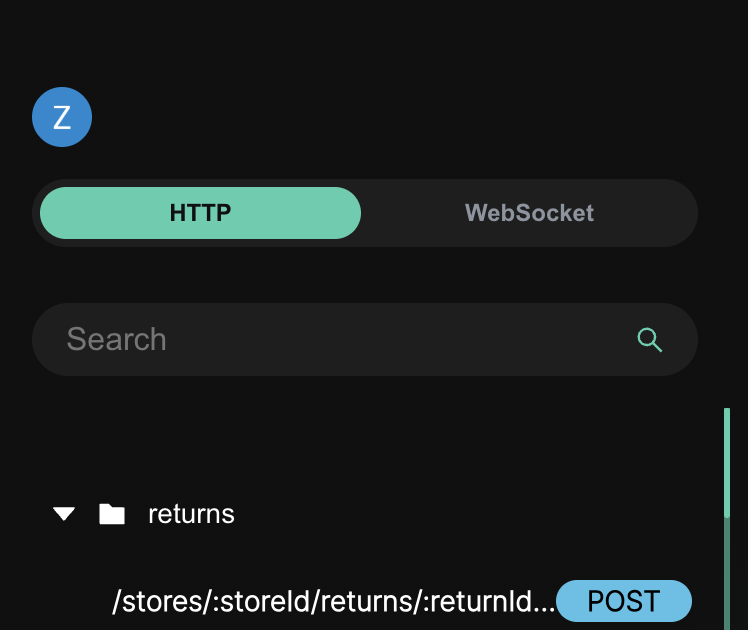
To create a WebSocket endpoint, switch to WebSocket mode using the toggle in the sidebar, then click the "+" button. You only need to provide a path for the endpoint (e.g., /chat, /notifications).
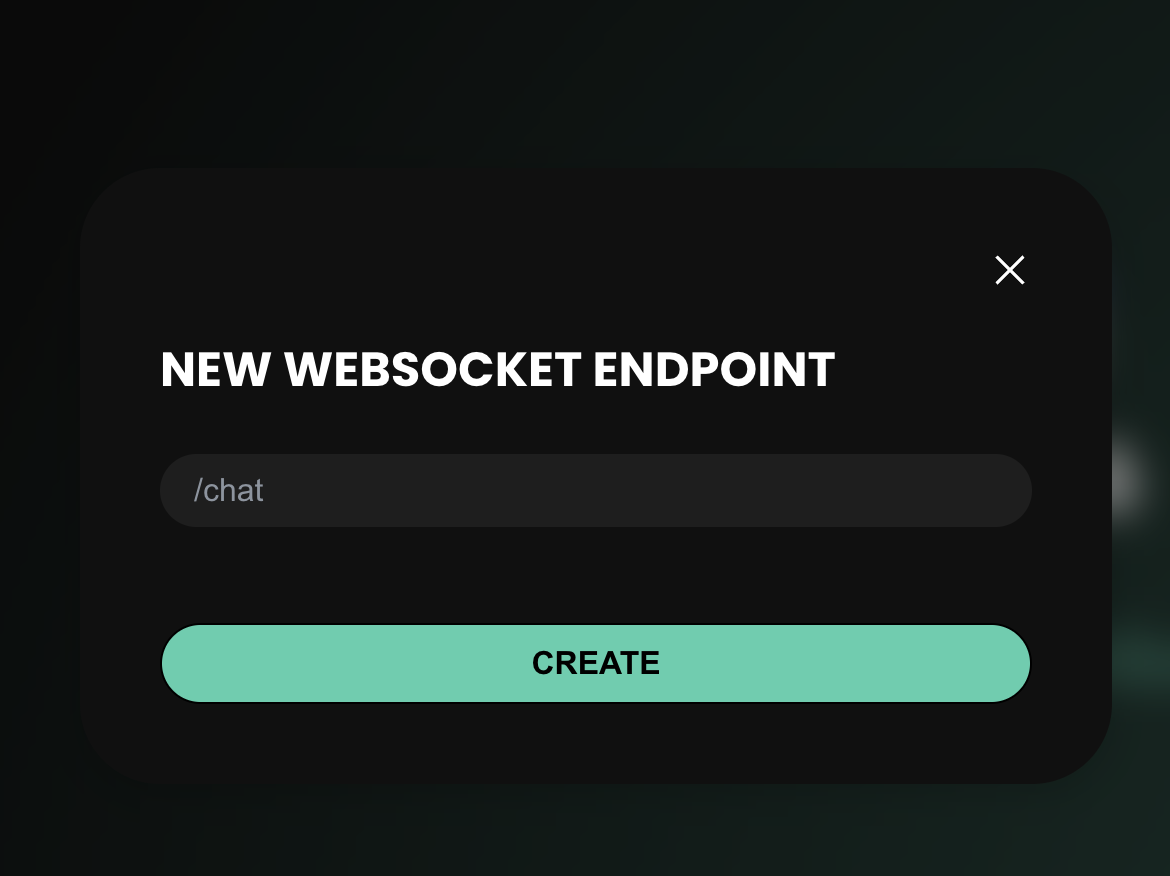
The endpoint will be created with an empty default response. You can then configure the response body, rules, and other settings.
Once created, you can connect to your WebSocket endpoint using the following URL format:
ws://api.mockfly.dev/mocks/{your-project-slug}/ws{your-path}For example, if your project slug is my-app and your WebSocket endpoint path is /chat, the connection URL would be:
ws://api.mockfly.dev/mocks/my-app/ws/chatYou can copy the full URL directly from the endpoint detail view by clicking the copy button next to the path.
WebSocket endpoints also support dynamic routes. For example, you can create an endpoint with path /chat/:roomId and connect to /chat/room123.
WebSocket responses define what message the server sends back when it receives a message from a client. Each response has a body which is a plain text string (it can also be a JSON string).
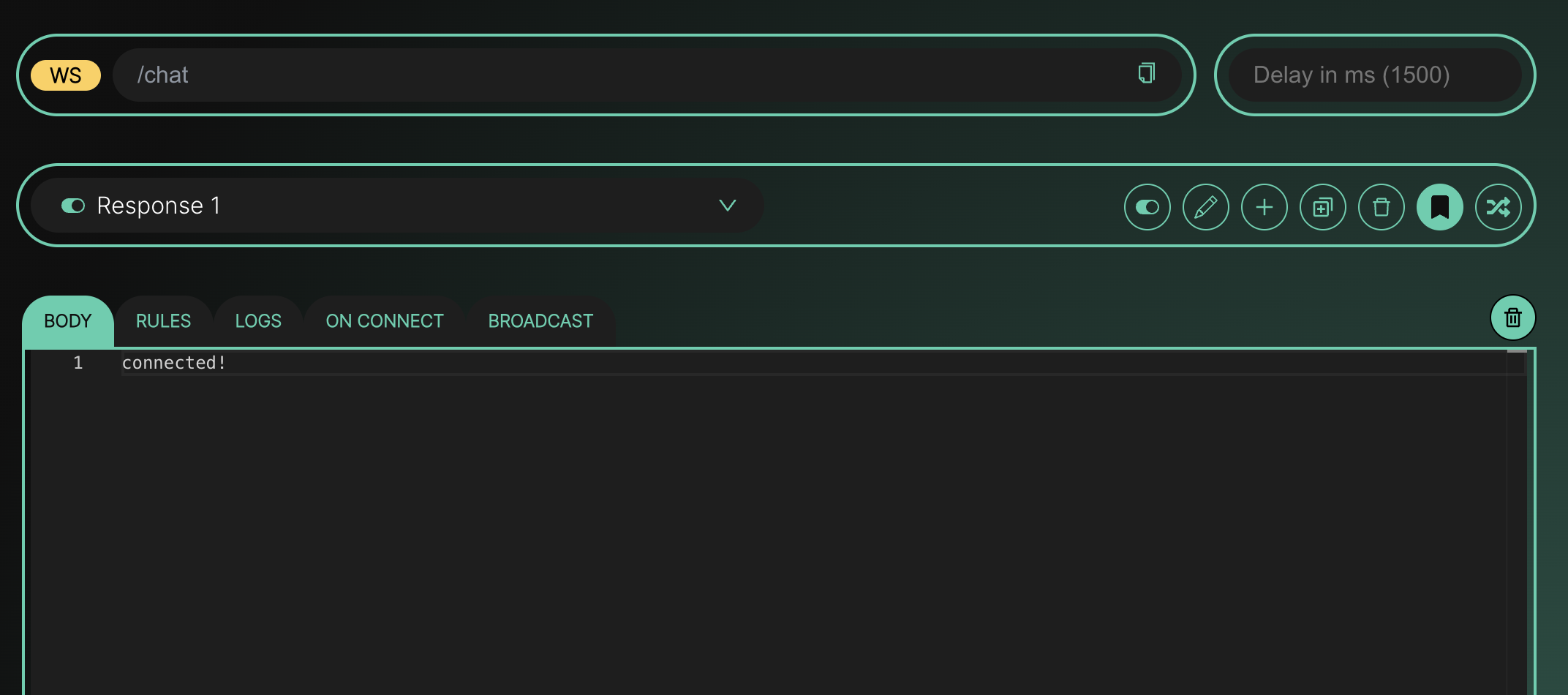
You can configure multiple responses per endpoint, just like HTTP endpoints:
The response body is sent as-is to the client. If you write JSON in the editor, the client will receive that JSON string.
Rules allow you to return different responses based on the message content sent by the client. Unlike HTTP rules (which match against body, headers, query params, etc.), WebSocket rules compare directly against the raw message string.
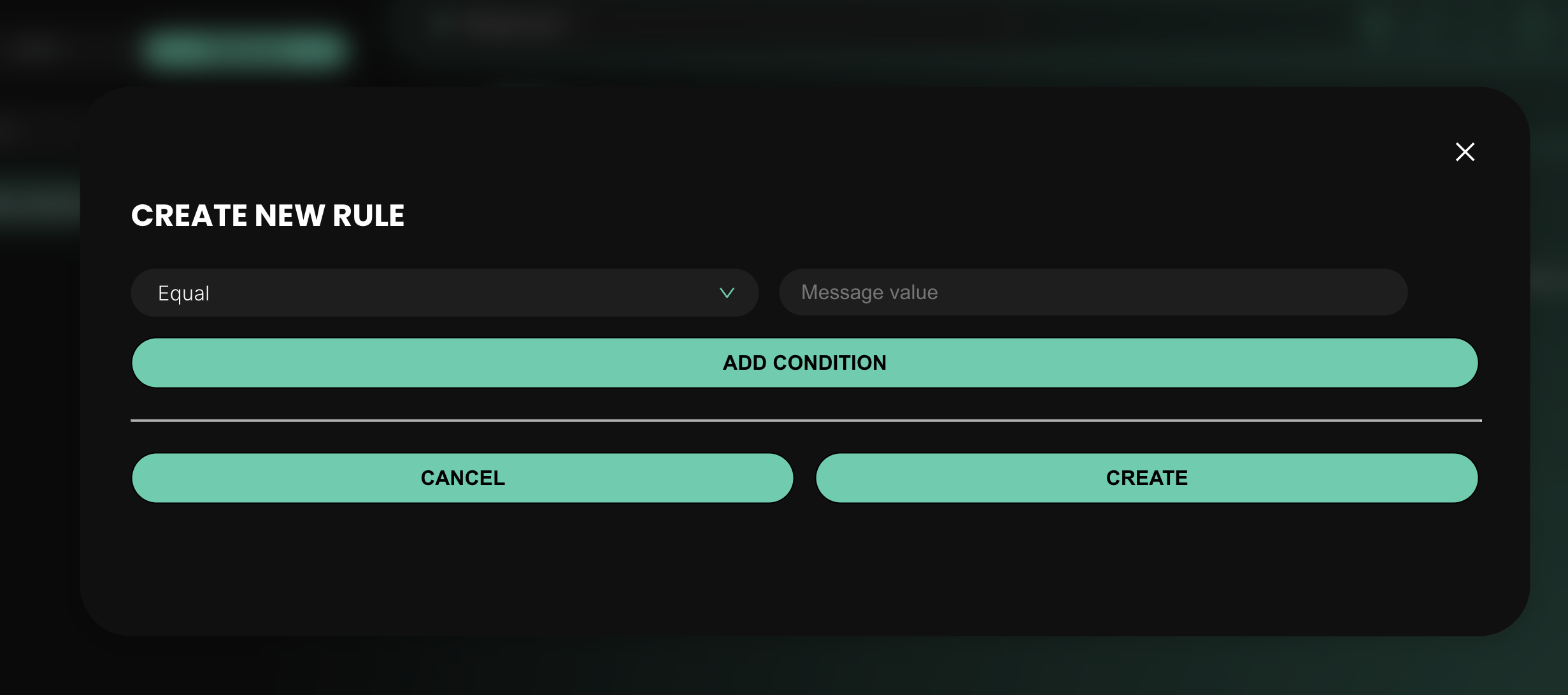
Each rule has a comparator and a value:
You can also add AND conditions to create compound rules. For example: "if the message is equal to hello AND includes world".
Imagine you have a WebSocket endpoint /chat with two responses:
{"status": "greeting received"} and a rule: message equal to "hello"{"status": "message received"}When a client sends "hello", it will receive Response A. Any other message will return Response B.
You can configure an optional message that will be automatically sent to clients when they connect to the WebSocket endpoint. This is useful for simulating welcome messages, initial state, or handshake responses.
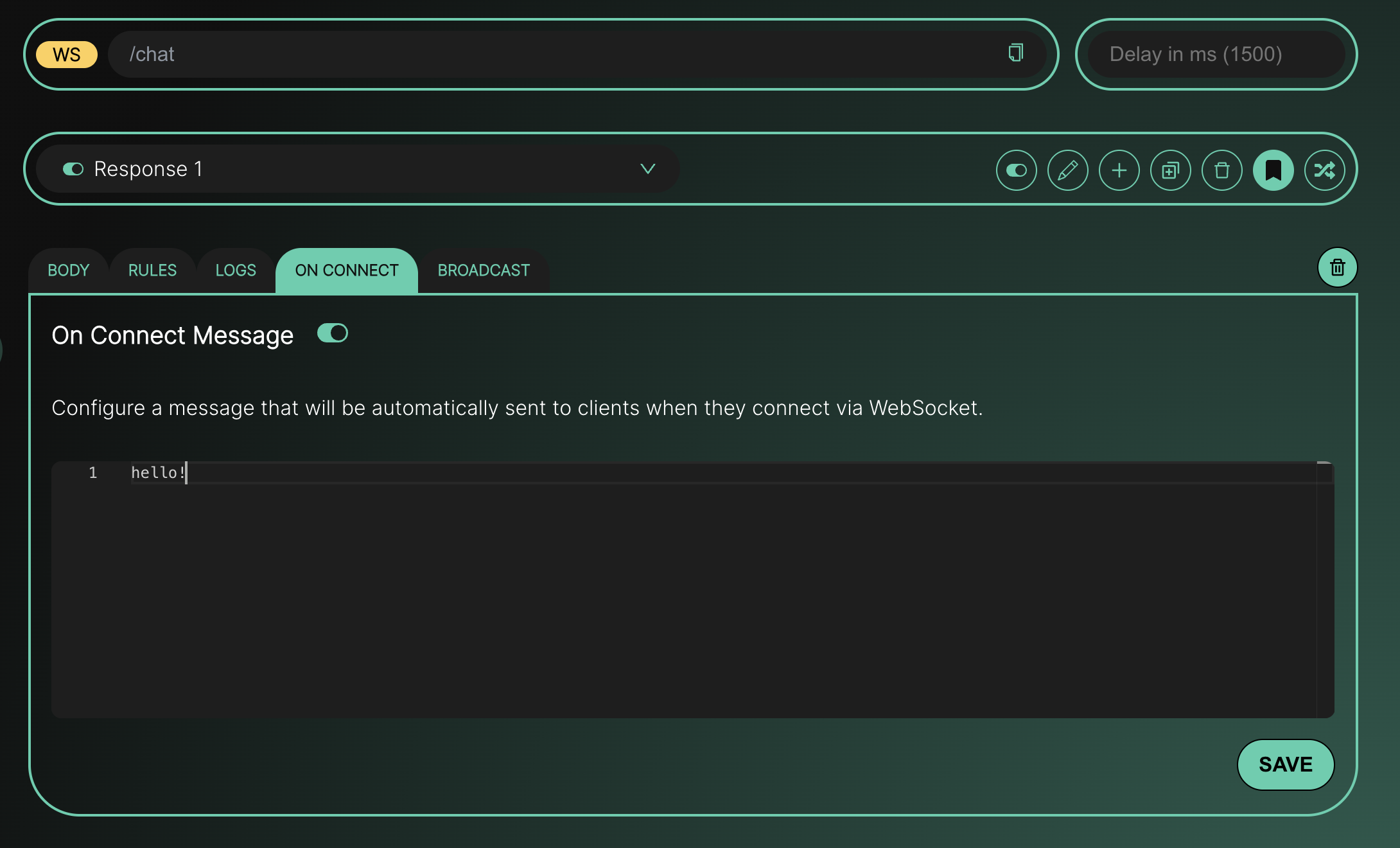
To set it up, go to the "On Connect" tab, toggle it on, write your message in the editor, and click Save. The message can be plain text or JSON. If you toggle it off and save, no message will be sent on connect.
The Broadcast feature allows you to send a message from the Mockfly dashboard to all clients currently connected to a WebSocket endpoint. This is useful for simulating server-initiated events like push notifications, live updates, or system alerts.
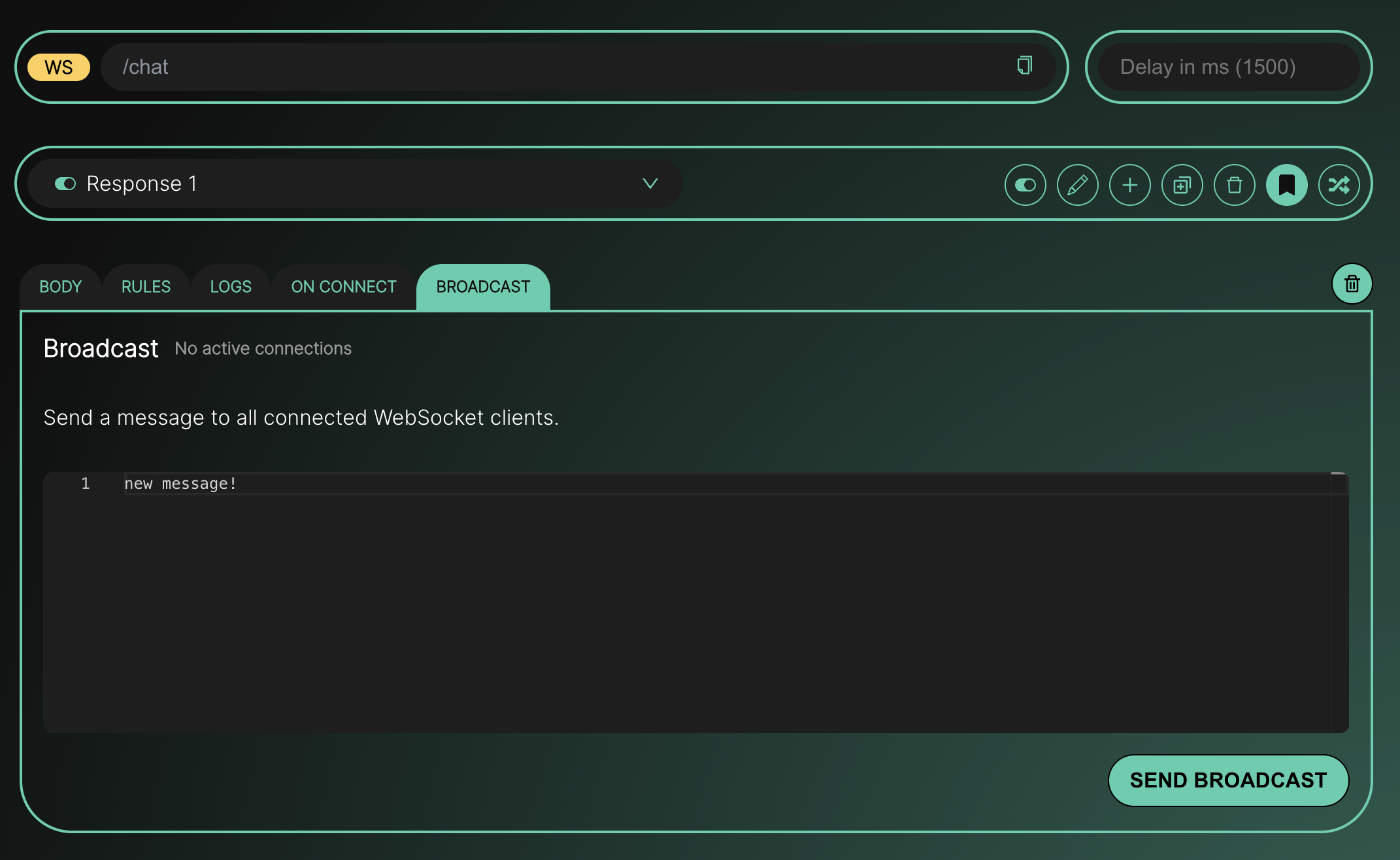
To broadcast a message:
The button is disabled when there are no active connections. After sending, you will see a confirmation with the number of clients that received the message.
The "Logs" tab shows a real-time log of all WebSocket activity for the endpoint, including:
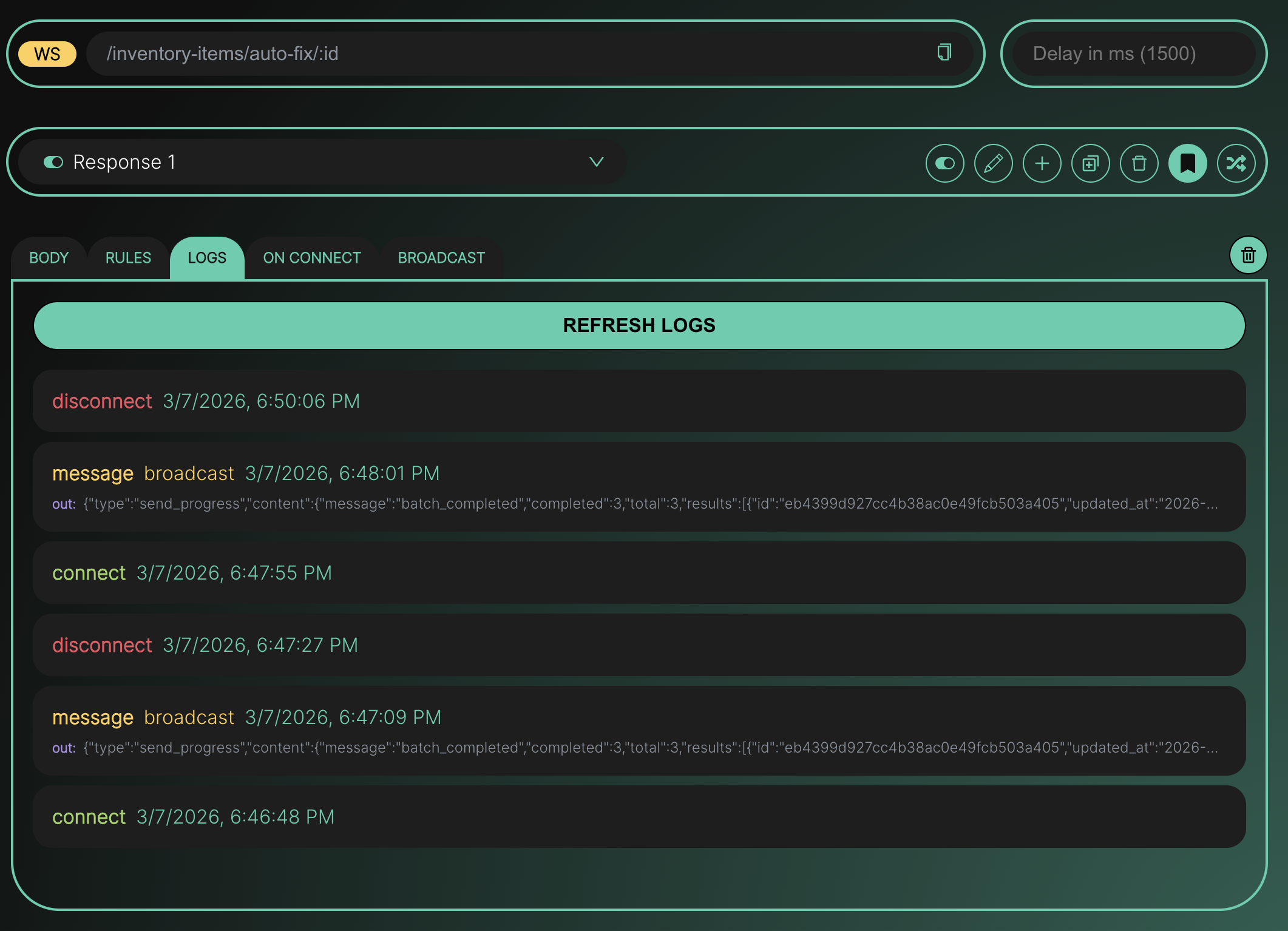
Each log entry shows the event type, timestamp, and response name (if applicable). For message logs, you can click on the entry to open a detail modal with the full incoming and outgoing message content.
You can configure a delay (in milliseconds) for your WebSocket endpoint. This adds a wait time before the server responds to each message, which is useful for simulating network latency or slow server processing.
You can test your WebSocket endpoint using any WebSocket client. Here are some options:
ws://api.mockfly.dev/mocks/your-slug/ws/your-pathconst ws = new WebSocket('ws://api.mockfly.dev/mocks/your-slug/ws/your-path')
ws.onopen = () => {
console.log('Connected!')
ws.send('hello')
}
ws.onmessage = (event) => {
console.log('Received:', event.data)
}
ws.onclose = () => {
console.log('Disconnected')
}npx wscat -c ws://api.mockfly.dev/mocks/your-slug/ws/your-path